UnifiedOS › Features
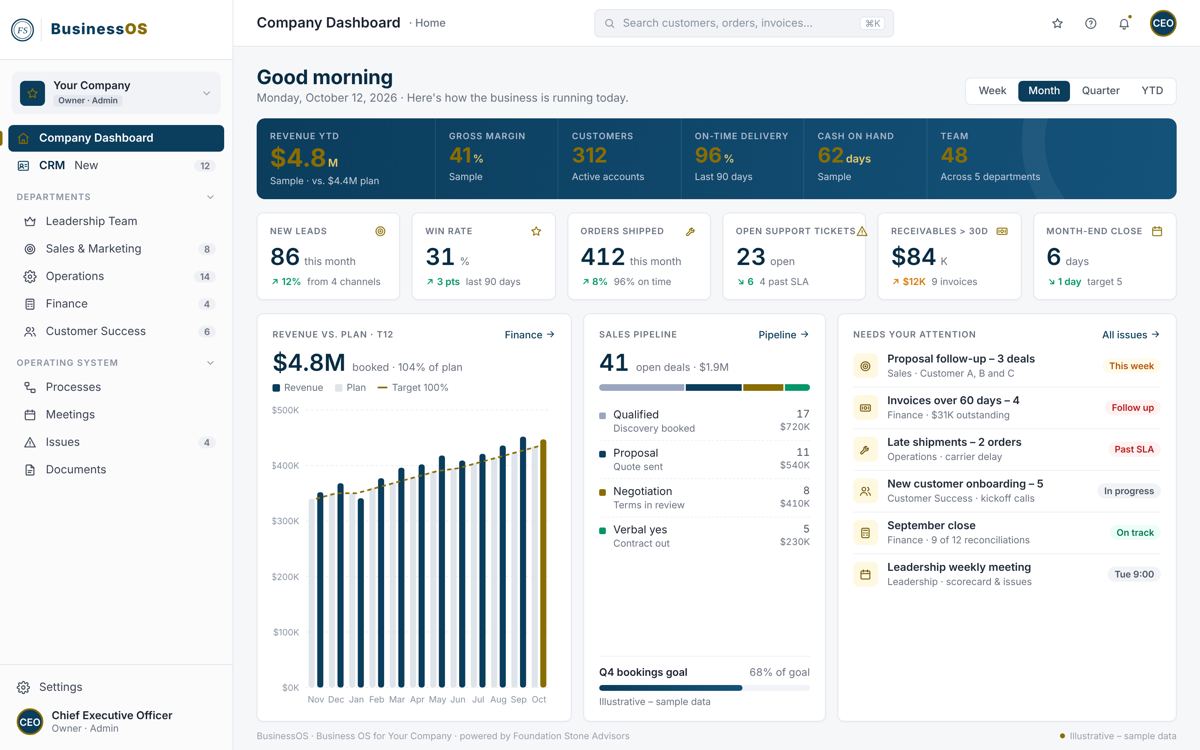
BusinessOS, MissionOS and ChurchOS share one foundation. These are its core features: how work gets planned and done, how each department is written down, and how people find what they need. The brain is what ties them together: one shared memory of what your organization has written down, that anyone can ask.
Every module writes into the same place, so a policy, a meeting decision or a role description is findable from anywhere, by anyone allowed to see it.
The OS Assistant answers questions about anything a person can already see: policies, procedures, documents, projects, tasks, meetings and people. It links to where it found each answer. Open it with the Ask button or Ctrl/⌘ + J.
It reads as the person asking, through the same permissions as the rest of the app, so two people can get different answers. It only reads; it never changes anything.
Administrators choose who may use it, its model and daily allowance, tables it must never read and fields it must always hide. Each question is written to the audit log.
Agents read and draft; a person approves. In Voice, drafts in your organization's voice are approved before anything is published.
We build and test the full brain in our own OS first, then bring it to every edition together. Every fact shows where it came from, a person's word outranks the rest, and a correction is a new entry, never an edit.
Notes and transcripts from Granola, Otter, Microsoft Teams and Zoom are matched to your meetings for review, so what was decided is kept with the meeting.
From the portfolio down to a single recurring task.
See every project at a glance, create new ones, and start projects from templates. Inside one project: its phases, tasks, notes, documents, events and members.
Create, assign and track tasks, including recurring tasks and task templates, with your own custom fields to filter and sort by.
Every active project's dated tasks on one chart. Move a task and the tasks waiting for it move too.
Each person's open work by week against what they can carry, in red, yellow and green. Drag a task to someone else to hand it over.
Build step-by-step workflows, choose what starts them, and let the server run them. When something happens on a project or board, a rule can act automatically.
Send a task, or an image, PDF or video on it, for approval. Reviewers pin comments to the file, then approve or ask for changes.
Your meeting rhythms, run the same way every time.
Who is in the room, what gets prepared, and what leaves with an owner on it.
The agenda, the preparation, the live run and what it decided.
Everything you owe a meeting, preparation and actions, in one list.
Laid out as the operating framework: mission, people, data, meetings, process and issues.
Each department's page is its playbook, with a Written and a Running score for every section.
Every role in every department in one standard format, staff or volunteer, with a guided builder, a completeness check and a printable page.
Each department draws the roles it needs and who is in each. Empty roles show as gaps.
Every role gets two processes: how a new person joins it and how someone leaves it.
Who is Responsible, Accountable, Consulted and Informed for each process, rhythm, priority and measure, by seat on the org chart.
The few things each team must get done this period, and scorecards red, yellow or green against target, with how each number was calculated.
Records, structure and strengths in one place.
Keep employee records, invite people by email, and control who can sign in, their role and whether access is active.
See who reports to whom across the company, search for a person, and filter by department.
Each person's Geniuses, Competencies and Frustrations, team maps and role fit.
Write it once, find it later, and let submissions start the work.
Upload, organize, share and download your files, and receive files through a secure upload link.
Write, organize and share notes, in folders or on a project.
Build forms, choose what a submission does, and see every agreement sent for signature with its full trail.
Submissions from your website (Squarespace, Zapier or any webhook) arrive as form responses, so their tasks and workflows run.
Read a procedure, policy or contract against a rubric and review the findings it proposes.
Help articles for every screen, your own knowledge base, and support tickets with AI suggestions before you send.
Assign courses and paths, see what is required or overdue, and report progress for every learner.
Your written policies, the authority behind each one, and when each is due for review.
Ask a group to read and sign a policy, remind whoever has not, and see who has signed.
Each department's budget against what it has spent this fiscal year, read nightly from QuickBooks or Aplos, red, yellow or green.
Add receipts by upload, photo, email or by hand, get them approved, and get paid back.
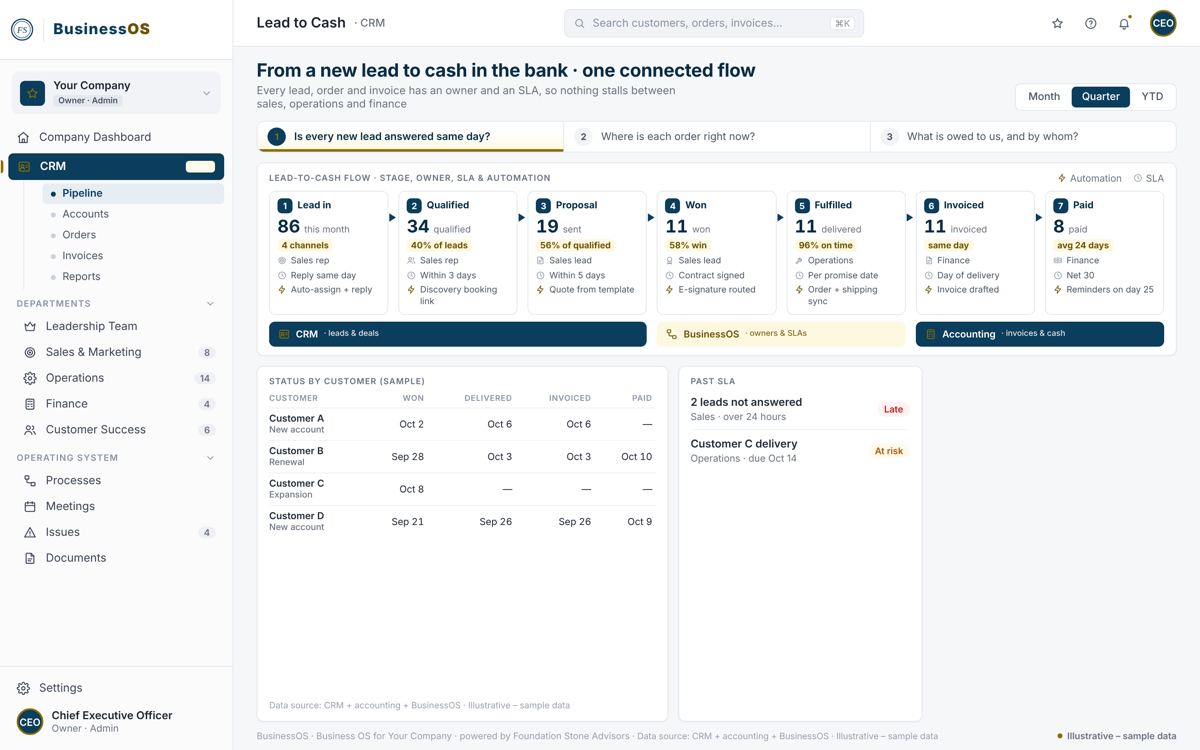
Quotes that start billing when accepted, invoices with reminders that run themselves, and financial reports by month, class and budget.
Connect Google Workspace and other outside services and store their credentials. Planning Center has its own page: People, Lists and the Scorecard.
Give volunteers and vendors access to only the projects and tasks you choose, and nothing else in the company.
See who changed what, and when, across your organization, and export it.
Turn feature modules on or off for your company and configure how each one behaves.
Post workflow and rule messages to a Google Chat space or a Slack channel.
Email and text-message campaigns to your contacts, lists and segments, with signup forms and reports.
Each edition fits these features to its world: BusinessOS for companies, MissionOS for nonprofits, ChurchOS for churches, and healthcare for clinics. Which modules you turn on is set during discovery.
It is the shared memory of the OS: what your organization has written down, in one place. Today the OS Assistant answers from it with a link to the source and only sees what the person asking may see. The full brain, with a source on every fact, is built and tested in our own OS first, then comes to every edition together.
No. Company admins turn modules on or off and configure how each one behaves.
No. It only reads, through the same permissions as the person asking, and each question is recorded in the audit log.
Book a discovery call. You'll have a tailored package within 24 hours of discovery.